One UI 9 update triggers battery drain complaints on Samsung Galaxy S24 Ultra and S25
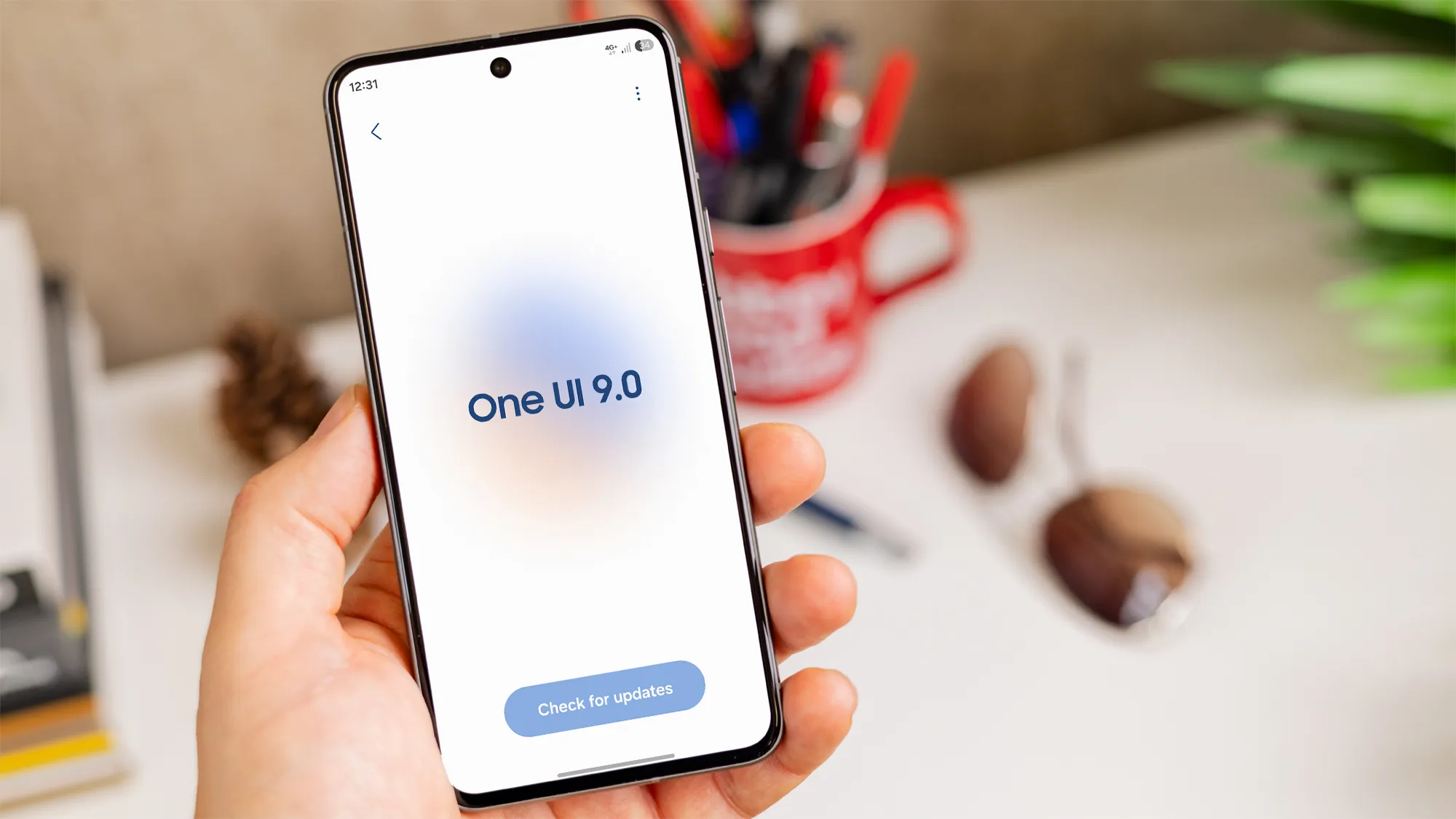
One UI 9 rollout and early battery reports
Samsung has started delivering the One UI 9 interface, built on Android 17, to a range of older devices including the Samsung Galaxy S24 Ultra and Samsung Galaxy S25 series. Within days of the update, a handful of owners posted on forums that their battery life seemed to drop dramatically. One Galaxy S24 Ultra user described the charge falling from full to 5 per cent after just over five hours of mixed use, even though the screen was active for only three hours and fifteen minutes.
Specific complaints from flagship models
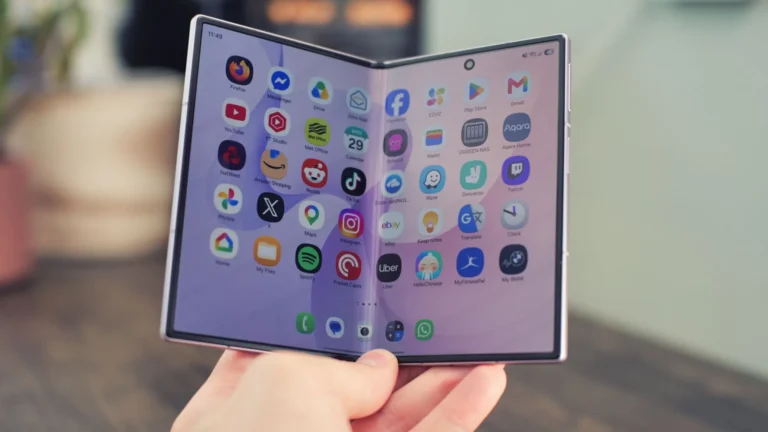
Similar anecdotes have surfaced from owners of the Samsung Galaxy S25, Samsung Galaxy S25 Plus and even the Samsung Galaxy Z Fold 5. Several users claim they now need to charge their phones three to four times a day. The Samsung support community lists dozens of threads mentioning rapid drain after installing One UI 9, with some users noting that background processes continue to run long after the reboot.
What might be causing the drain?
At this stage Samsung has not confirmed a widespread battery defect linked to One UI 9. Analysts suggest a few possible factors. First, a major system update often triggers a period of indexing, app optimization and data migration, which can temporarily increase power consumption. Second, certain apps may not yet be fully compatible with Android 17, leading to higher CPU usage. Third, the new adaptive battery algorithms in One UI 9 could be misreading usage patterns on older hardware.
Steps you can take to improve battery life
If you have noticed a noticeable drop after the update, try the following steps. Restart the device to clear any lingering processes. Open Settings > Battery and review the battery usage chart to identify apps that are consuming an unusually high amount of power. Disable or uninstall apps that you do not use regularly. Consider enabling battery saver mode during periods of low activity.
Should the problem persist, back up your data and perform a factory reset. This often resolves hidden software glitches that can arise after a major OS upgrade. Remember to keep your device plugged in for a few hours after the reset so that the system can complete its background tasks without draining the battery.
When to expect a fix
Samsung typically releases incremental patches within a few weeks of a major rollout. Users can watch for One UI 9.1 or security updates that specifically address battery performance. In the meantime, keep an eye on the official Samsung Members app for announcements and community tips.
Related Samsung news
For those interested in the broader Samsung ecosystem, the new Galaxy Watch Ultra 2 has just been reviewed, highlighting its long‑lasting battery and health features. If you have just installed One UI 9, you might also want to explore the ten hidden features that can boost productivity on your Samsung Galaxy device.