Google expands Pixel HiLight with colors and messaging in upcoming firmware update
What is Pixel HiLight?
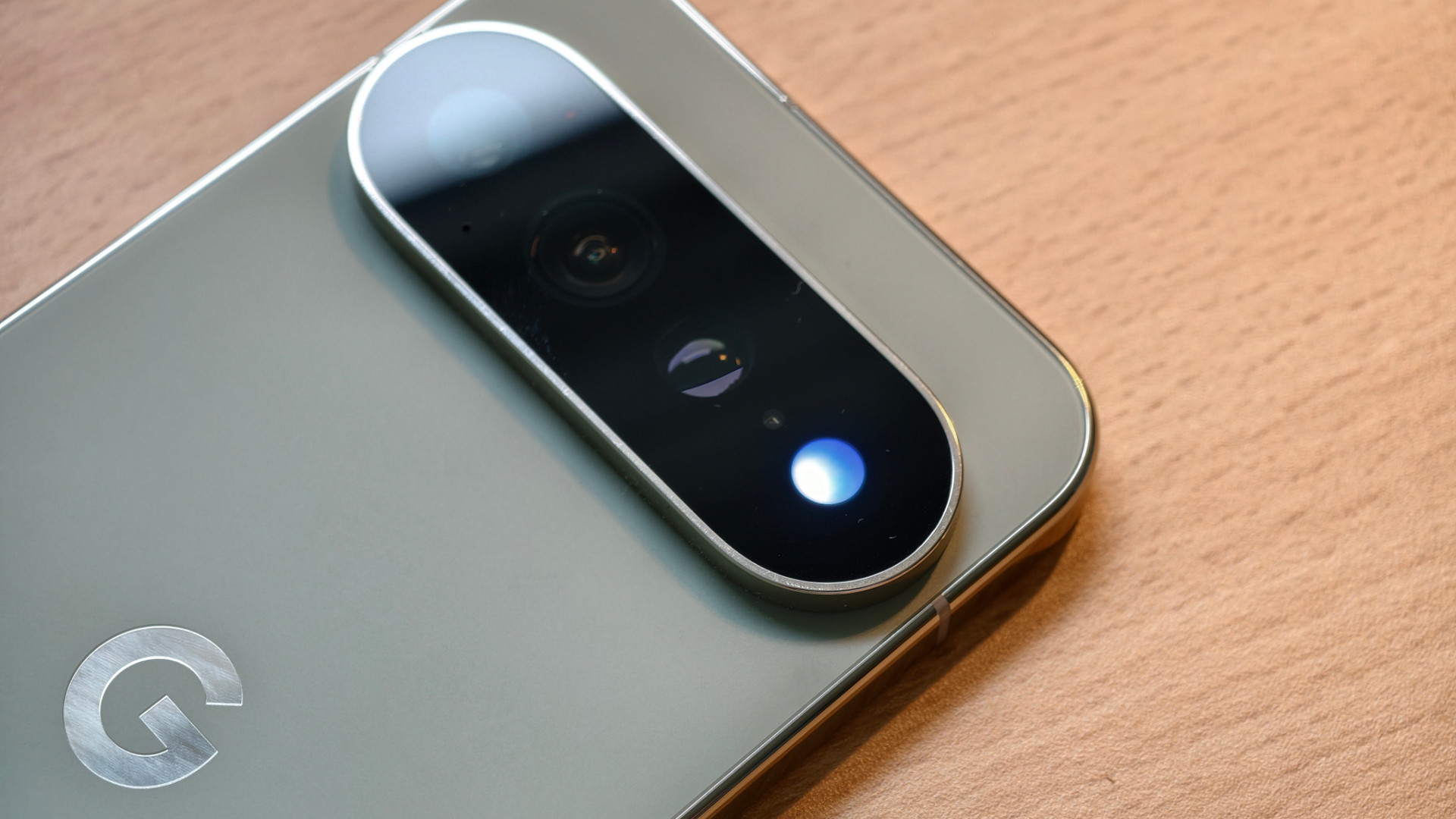
Google introduced the Pixel HiLight feature with the Pixel 11 series, embedding a tiny LED inside the camera flash on the back of the phone. The light was initially limited to five colors and could only alert users when a favorite contact called or when they interacted with Google Gemini. While the hardware was capable of more, the first software implementation left many users wanting additional functionality.
Why the original implementation felt incomplete
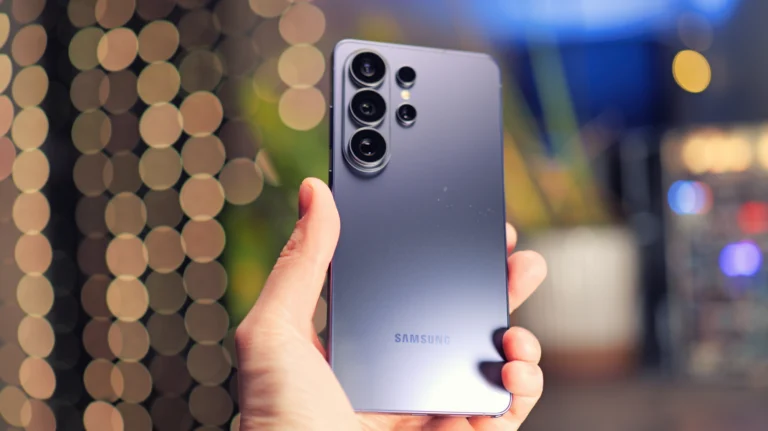
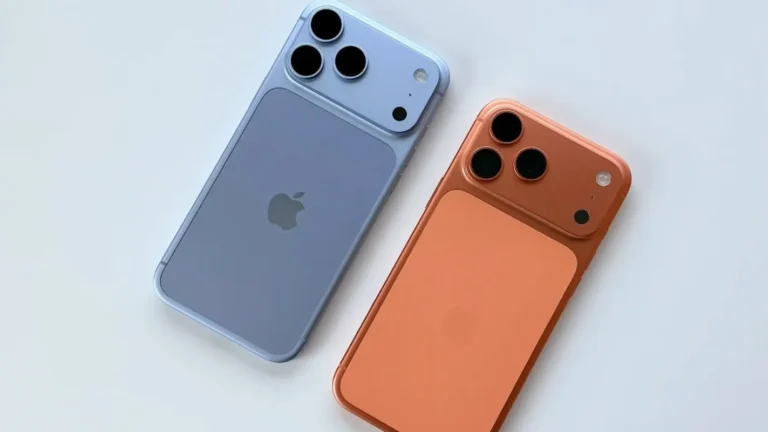
The early version of HiLight felt like a novelty rather than a core notification tool. Users of the Google Pixel 11 Pro and Pixel 12 could only rely on a handful of preset colors, and the feature did not integrate with most messaging apps. Competitors such as Samsung Galaxy S24 and Apple iPhone 15 Pro offered more flexible notification LEDs or haptic patterns, making Pixel HiLight appear under‑featured.
New code hints at a major upgrade
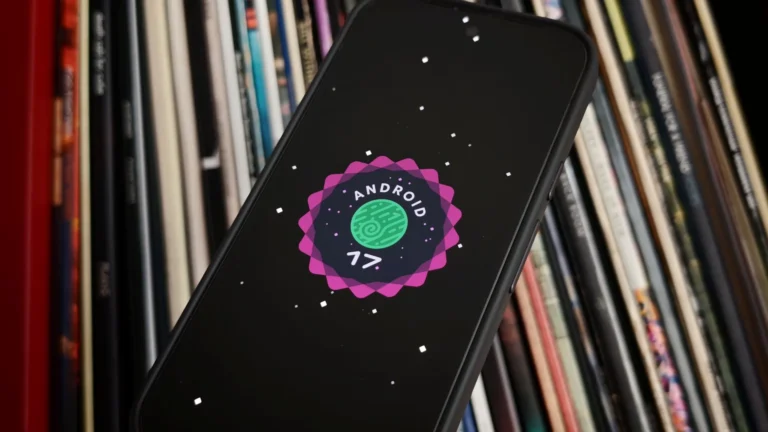
Android 17 QPR2 Beta 5, spotted by Android Authority, reveals that Google is preparing a substantial update. The code adds nine additional color options, bringing the total to fourteen. This aligns with earlier hardware teardowns that showed the LED driver could support a broader spectrum. The expanded palette will let users assign specific colors to different contacts, apps, or even calendar events.
Messaging integration on the horizon
Perhaps the most exciting change is the planned support for messaging notifications. The beta code references a new API that can trigger HiLight when a new message arrives. While Google has not confirmed third‑party integration, the initial rollout is expected to work with Google Messages. Users of the Pixel 11 Pro, Pixel 12, and future Pixel 13 devices will likely see message‑based alerts first.
When will the update arrive?
The feature is still in beta, meaning it will not appear as a standard OTA update until later this year. Industry insiders predict a December release as part of a Pixel Drop, bundling the HiLight enhancements with other firmware improvements. Early adopters who enroll in the Android Beta program may receive the update sooner.
How to enable the new HiLight options
Once the update lands, users can access the expanded settings via Settings > Sound & vibration > Pixel HiLight. The menu will allow color selection, app‑specific triggers, and the ability to toggle messaging support. Google plans to add a quick‑toggle in the notification shade for on‑the‑fly adjustments.
Comparisons with competing devices
While Samsung Galaxy S24 still relies on a traditional notification LED, Apple iPhone 15 Pro uses a combination of haptic feedback and screen flashes. The refreshed Pixel HiLight aims to bridge that gap by offering a discreet, hardware‑based alert that works even when the screen is off. For users who also own an Apple Watch Series 10 or iPad Air M2, the Pixel HiLight can serve as a subtle companion alert, especially in quiet environments.
Potential impact on the Android ecosystem
If Google expands HiLight to third‑party apps, it could set a new standard for hardware‑backed notifications across Android. Developers of popular messaging platforms like WhatsApp, Telegram, and Signal may soon request API access, creating a richer ecosystem of visual alerts.
Final thoughts
The upcoming Pixel HiLight upgrade transforms a modest novelty into a practical notification tool. By adding more colors, messaging support, and granular controls, Google positions the feature as a differentiator for the Pixel 11 Pro, Pixel 12, and future flagship devices. Users who value subtle, glance‑able alerts should keep an eye on the December Pixel Drop for the official rollout.
3 Comments